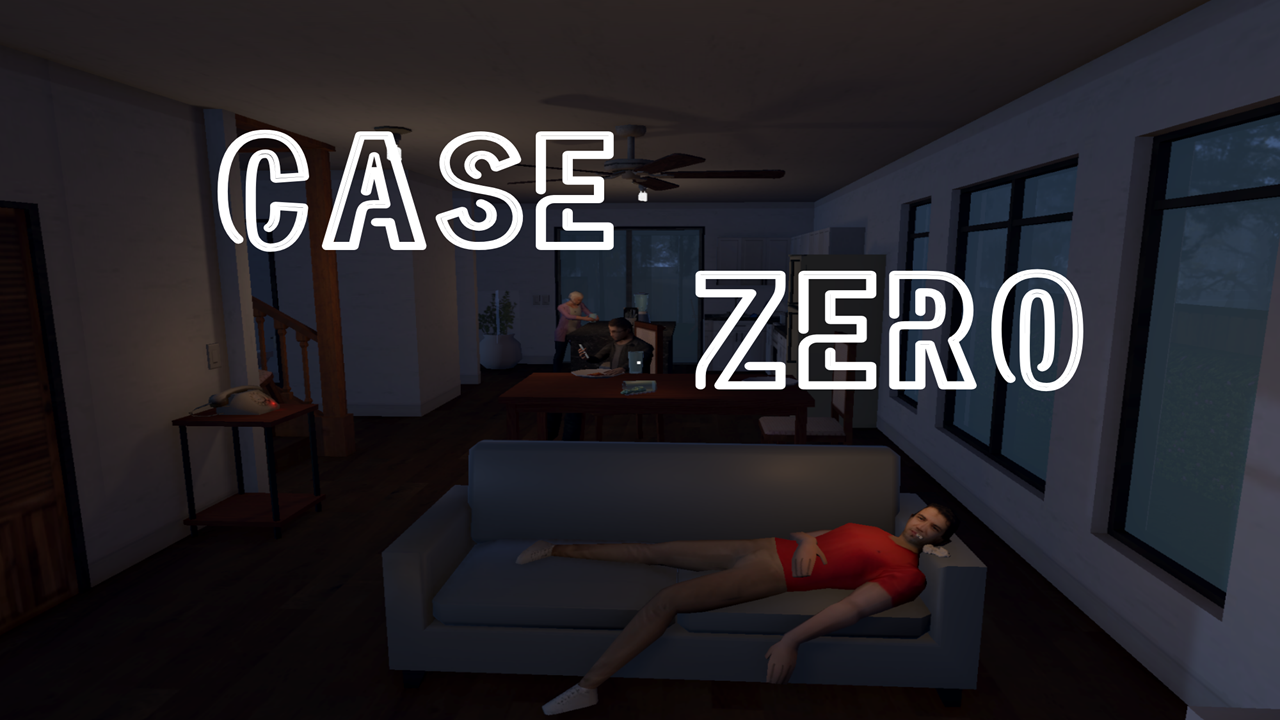
A one-room murder mystery where the tutorial is the liar. Built in Unity. Brackey's Game Jam 2026.
Case Zero puts you right at the center of a murder mystery, and the player investigates a single room crime scene; examining clues, questioning suspects, and filing a case report to determine what happened. The twist sits in the jam's theme: "Trust No One." The narrator guiding the player through the tutorial is the one lying, not the suspects. Six discoverable clues, three NPCs with reactive dialogue, and a case board that gates the ending behind the player's own deductions.
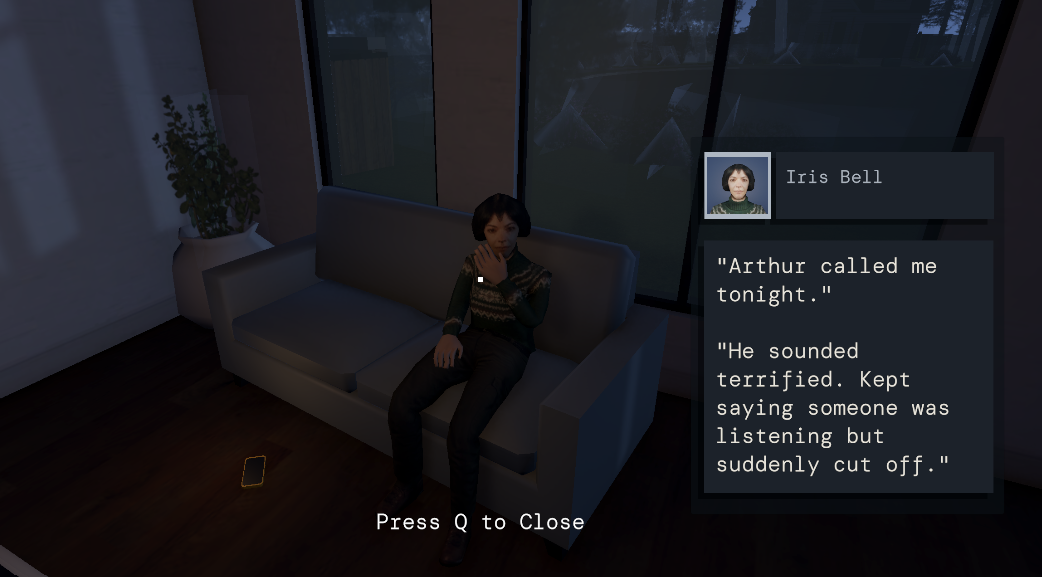
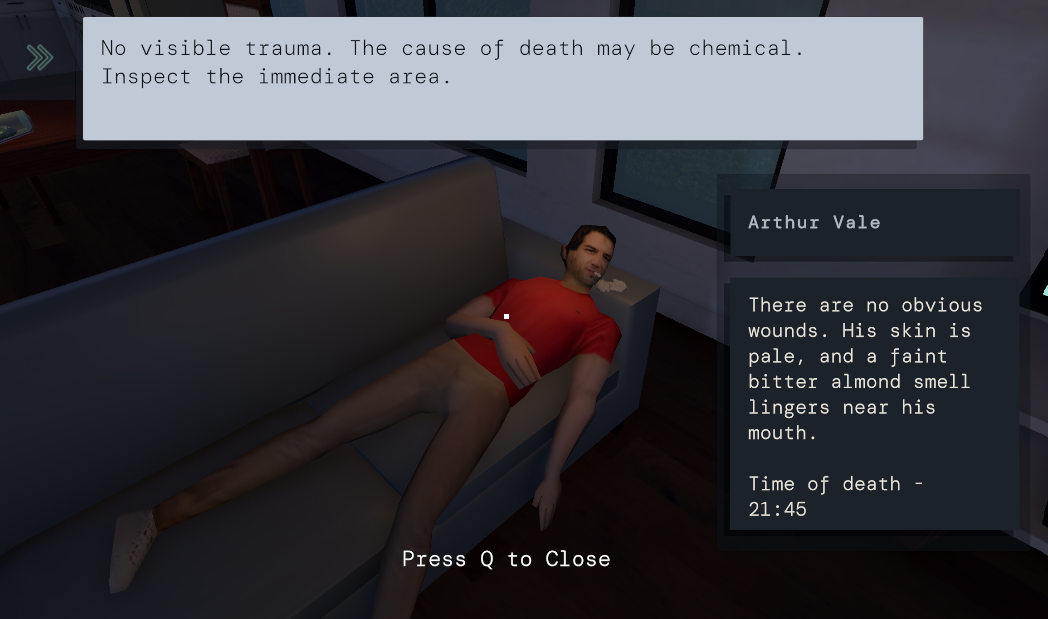
Building a complete investigation loop with a second engineer meant integrating with an existing architecture I didn't design. The GM class, the ClueData/ClueDefinition pipeline, and the CaseContentPresenter were already in place when I started building the case board. The challenge was reading through the codebase, understanding how clues moved from player interaction through GM's event broadcast to the UI, and building a new system that hooked into that pipeline cleanly.
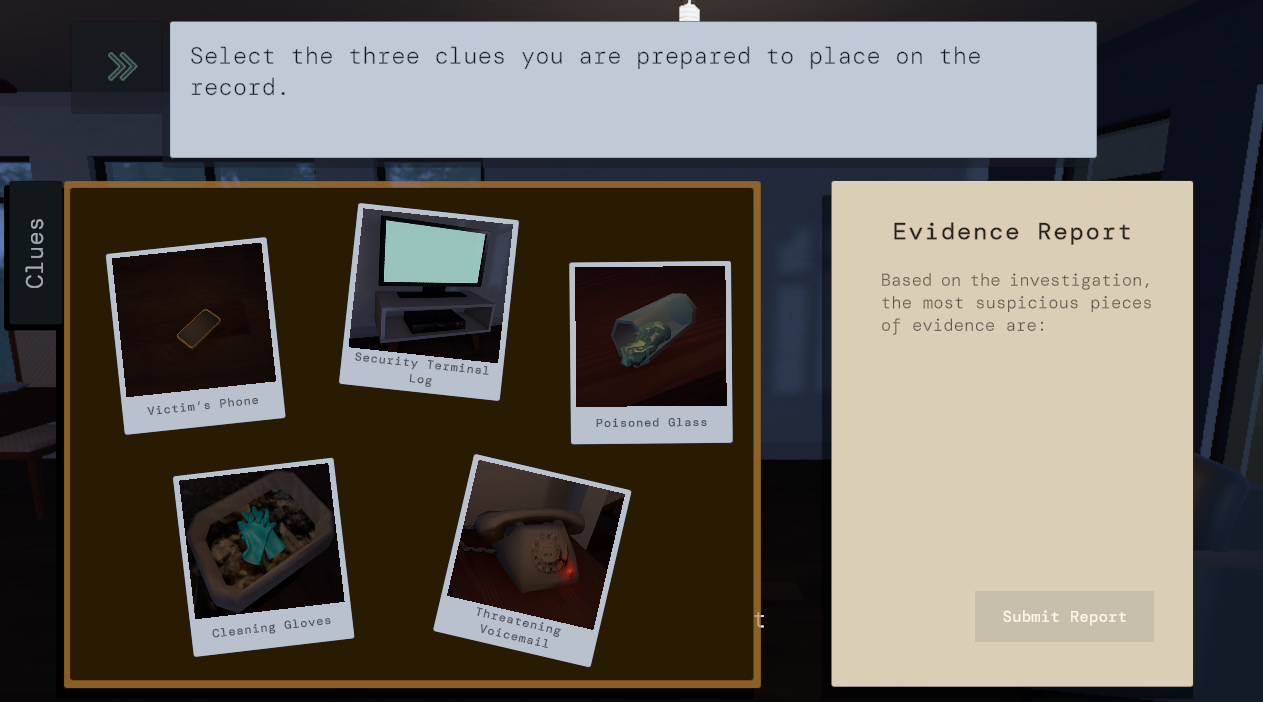
The game needed two things working together: a clue discovery system that tracked what the player found, and a case board that let the player select which evidence to include in their report. The report gates the ending — submit the right clues, and you're cleared. Miss the critical one, and you're arrested. The architecture had to let clues flow from world interaction to journal UI to ending logic without any of those systems reaching into each other directly.
I built the CaseBoardManager to subscribe to the GM's existing OnClueCollected event rather than polling or querying clue state. When the player discovers a clue anywhere in the scene, GM broadcasts the full ClueData object. The case board receives it, populates the next available journal button with the clue's photo, and makes it selectable.
The interaction system uses a raycast from screen center — the same approach I use in my Unreal prototype ZoneClear but adapted for first person. On hit, the system checks the object's tag to determine whether it's an NPC or a Clue, and routes to the appropriate response.
public void OnNewClueFound(ClueData clue)
{
    cluesCollected.Add(clue);
    clueButtons[cluesCollected.Count - 1].gameObject.SetActive(true);
    clueButtons[cluesCollected.Count - 1].GetComponent().sprite = clue.Definition.cluePhoto;
    clueButtons[cluesCollected.Count - 1].onClick.AddListener(() => SelectClue(clue));
}
The case board manages two lists: cluesCollected (everything found) and cluesToSubmit (the player's report selections, capped at three). Selecting a clue on the left panel populates the report on the right. Clicking a report slot clears it. A RefreshReportSlots method rebuilds the right panel from the current list state on every change, which avoids index tracking bugs and listener stacking issues from manually managing individual slots.
void RefreshReportSlots()
{
    for (int i = 0; i < reportSlots.Count; i++)
    {
        reportSlots[i].onClick.RemoveAllListeners();
        if (i < cluesToSubmit.Count)
        {
            int index = i;
            reportSlots[i].gameObject.SetActive(true);
            reportSlots[i].GetComponentInChildren().text = cluesToSubmit[i].title;
            reportSlots[i].onClick.AddListener(() => DeselectClue(cluesToSubmit[index]));
        }
        else
        {
            reportSlots[i].GetComponentInChildren().text = "";
            reportSlots[i].gameObject.SetActive(false);
        }
    }
    submitButton.interactable = (cluesToSubmit.Count == 3);
}
The ending gate checks whether the submitted report contains the security terminal footage — the one piece of evidence that clears the player's name. Without it, the report defaults to an arrest.
NPCs use a reactive dialogue system: each NPC has a relatedClueId, and their dialogue changes if the player has already discovered the relevant clue. This means investigation order matters — talking to a suspect before or after finding their connected evidence produces a different conversation.
What worked, and what I'd do differently.